Technical Hiring
Best GitHub Candidate Sourcing Tools for Recruiters in 2026
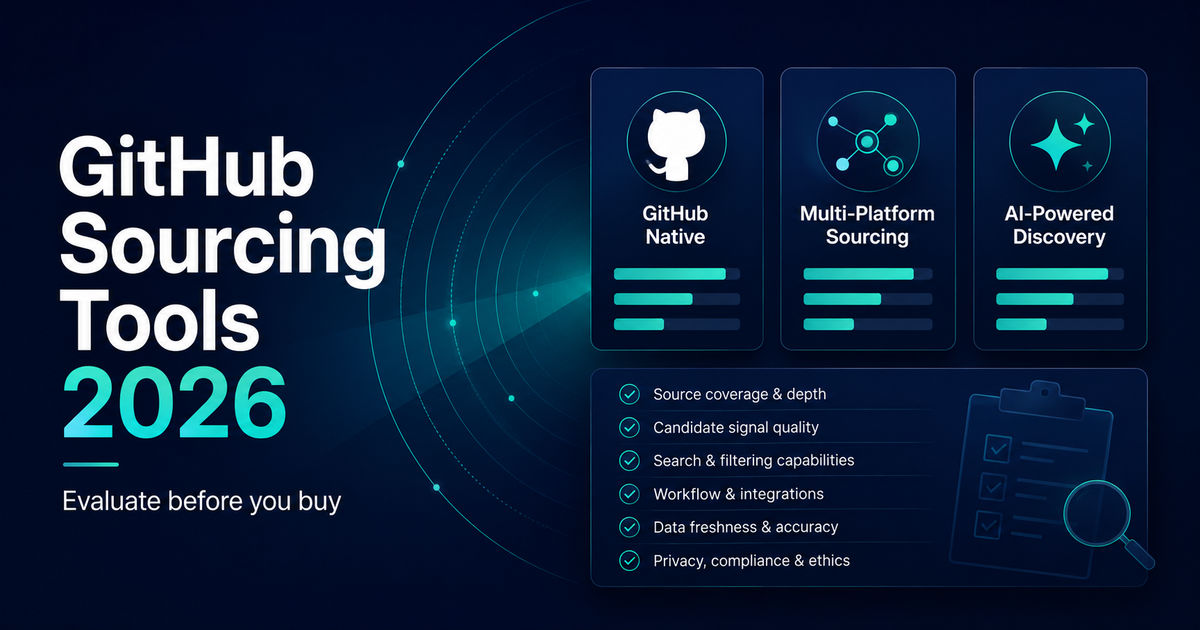
Recruiters who source on GitHub eventually face the same question: should we keep searching manually, or use a tool? The market includes GitHub-native search helpers, multi-platform sourcing platforms, and AI-assisted research products. The useful answer is not a generic "best tool" list. It is a clear way to evaluate what fits your hiring volume, stack, and review process.
This guide explains what to look for in GitHub candidate sourcing tools, how tool categories differ, and when manual GitHub search still wins. For the broader context, start with GitHub Candidate Sourcing: How Recruiters Can Find Technical Talent. For step-by-step search workflows, see How to Find Developers on GitHub: A Recruiter's Guide.
Tools can help you find people, research public work, and review evidence. Those are different jobs. This page is about choosing GitHub sourcing tools for finding candidates - with research and review as the criteria you should demand, not as a substitute for a research article.
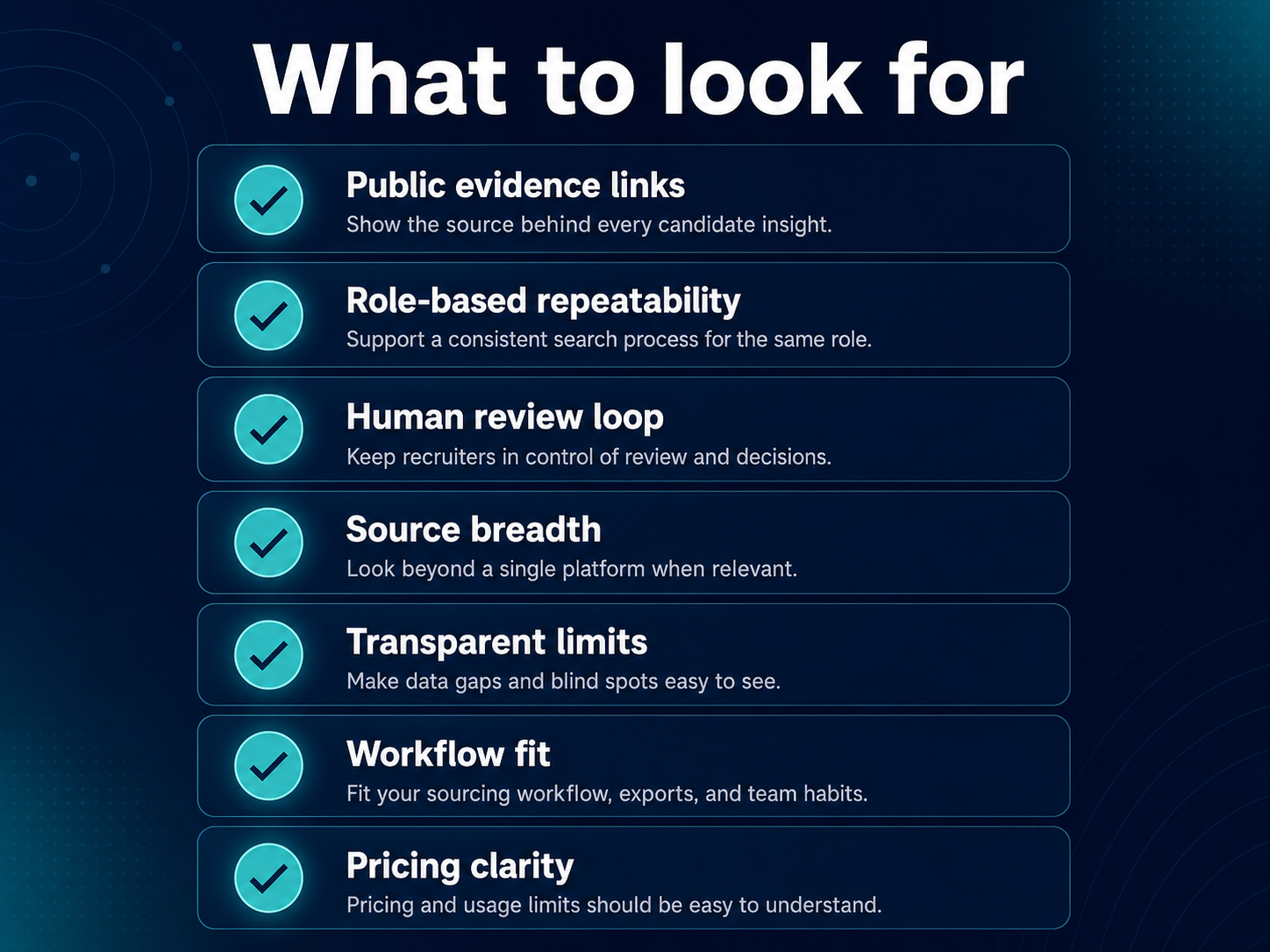
What to look for in a GitHub sourcing tool
A good GitHub sourcing tool helps recruiters discover and research technical candidates from public evidence. It should not pretend to replace interviews, hiring manager judgment, or compliance review.
Public evidence, not black-box scores. The tool should show links to repositories, contributions, or other public work behind each recommendation. Recruiters need to verify context, not trust a single ranking number.
Role-based repeatability. You should be able to define stack, must-have signals, and other role criteria once, then run similar searches across multiple roles without rebuilding queries from scratch every time.
Human review in the loop. Strong tools surface candidates for recruiter review before outreach. Autopilot outreach from GitHub activity alone creates noise and compliance risk.
Source breadth (when relevant). GitHub-only tools help for code-centric roles. Multi-platform tools matter when your process combines GitHub with Stack Overflow, technical blogs, or other public technical evidence.
Transparent limits. Every tool misses people with private work, quiet profiles, or stacks that never appear on GitHub. Honest products say what they cannot see.
Workflow fit. Consider how results export to your ATS, how sourcers share evidence with hiring managers, and whether the UI matches agency vs in-house team habits.
Pricing model clarity. Per-seat, per-search, or per-role pricing changes total cost at scale. Match the model to how many technical searches you run per month.
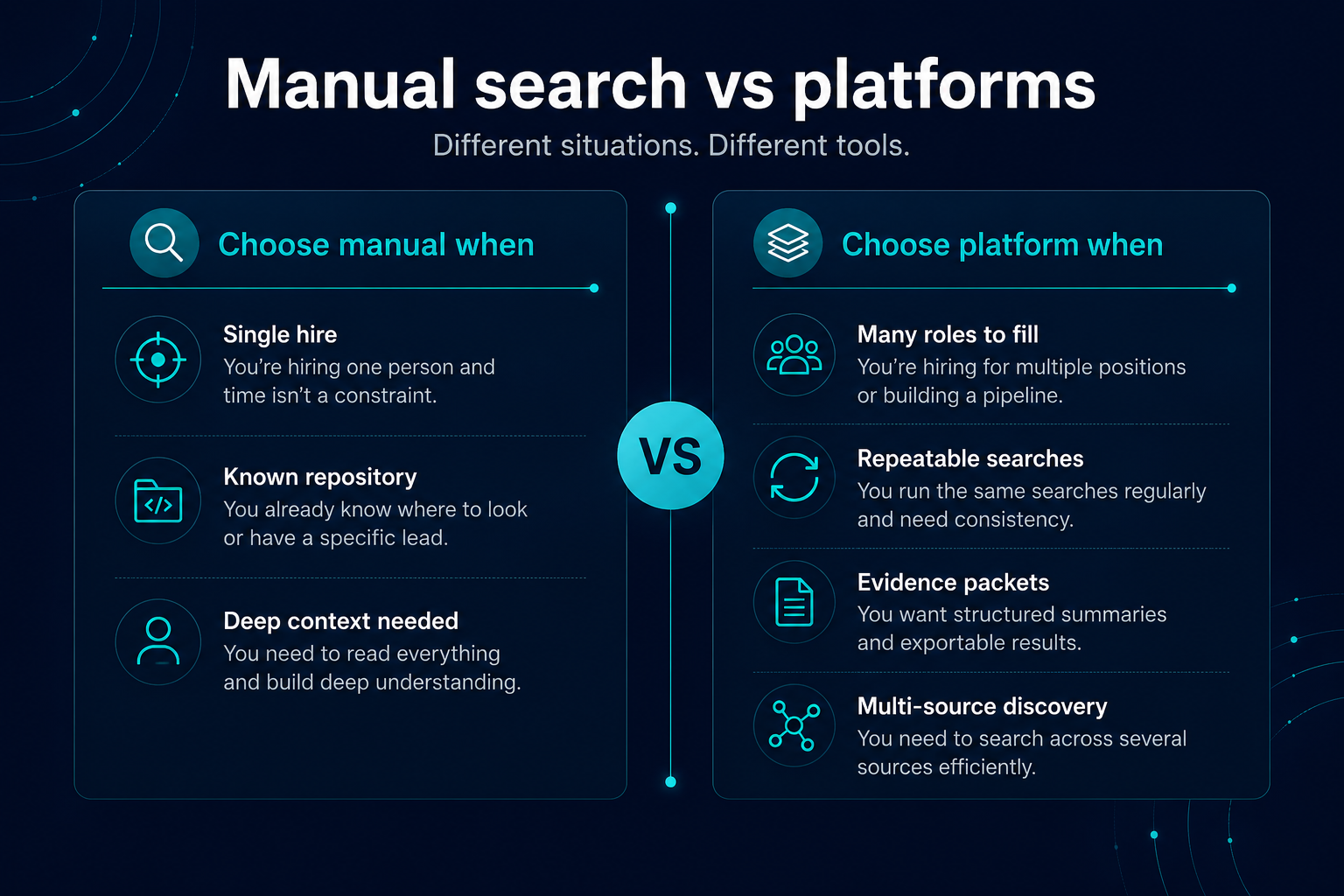
Manual GitHub search vs sourcing platforms
Both approaches belong in a mature technical sourcing program. The question is when each earns its place.
| Factor | Manual GitHub search | Sourcing platform |
|---|---|---|
| Single critical hire | Often sufficient | Optional |
| Many parallel technical roles | Hard to sustain | Usually better |
| Known target repo or contributor list | Fast and precise | May be overkill |
| Broad discovery across stacks | Slow; query limits bite | Faster initial shortlists |
| Evidence packets for hiring managers | Manual assembly | Often built in |
| Recruiter time cost | High per profile | Lower for first pass |
| Context and nuance | High when read carefully | Depends on what the tool surfaces |
Manual search makes sense when you have one urgent role, a sourcer with stack context, or a narrow target such as contributors to a specific open-source project. Platforms become useful when your team runs repeated technical searches, needs consistent evidence summaries, or wants to combine GitHub with other public sources without tab-hopping.
GitHub search also returns at most 1,000 results per query, which caps large-scale manual discovery. Tools do not remove that platform limit entirely, but they can reduce repetitive profile review and help standardize how your team interprets public work.
Free ways to start GitHub sourcing
If your query is "free GitHub sourcing tools," start with what costs nothing today. None of these replace recruiter judgment; they differ in scope, limits, and whether they produce a repeatable shortlist.
| Option | Cost | What you get | Limits / notes |
|---|---|---|---|
| GitHub user and repo search | Free (official) | Search profiles, repositories, and code on GitHub | 1,000 results per query; GitHub-only |
Google site:github.com | Free | Manual X-ray style discovery across public GitHub pages | Manual; no structured shortlist |
| Public code search (grep.app; Sourcegraph for public repositories) | Free public search | Find contributors and code patterns across many repos | Research aid, not a recruiter workflow; no outreach layer |
| Sonar Air Free | €0 (invite-only access for now) | Role-based shortlist from public technical evidence | One role, one scan per month; not a contact database |
Platforms like Sonar Air help when you need repeatable role-based discovery across multiple public sources, not just one search session. See how to evaluate GitHub sourcing tools before choosing paid or invite-only options.
Tool categories: GitHub-native, multi-platform, and AI-assisted
Most products recruiters evaluate fall into three overlapping categories. Understanding the category helps you ask better demo questions.
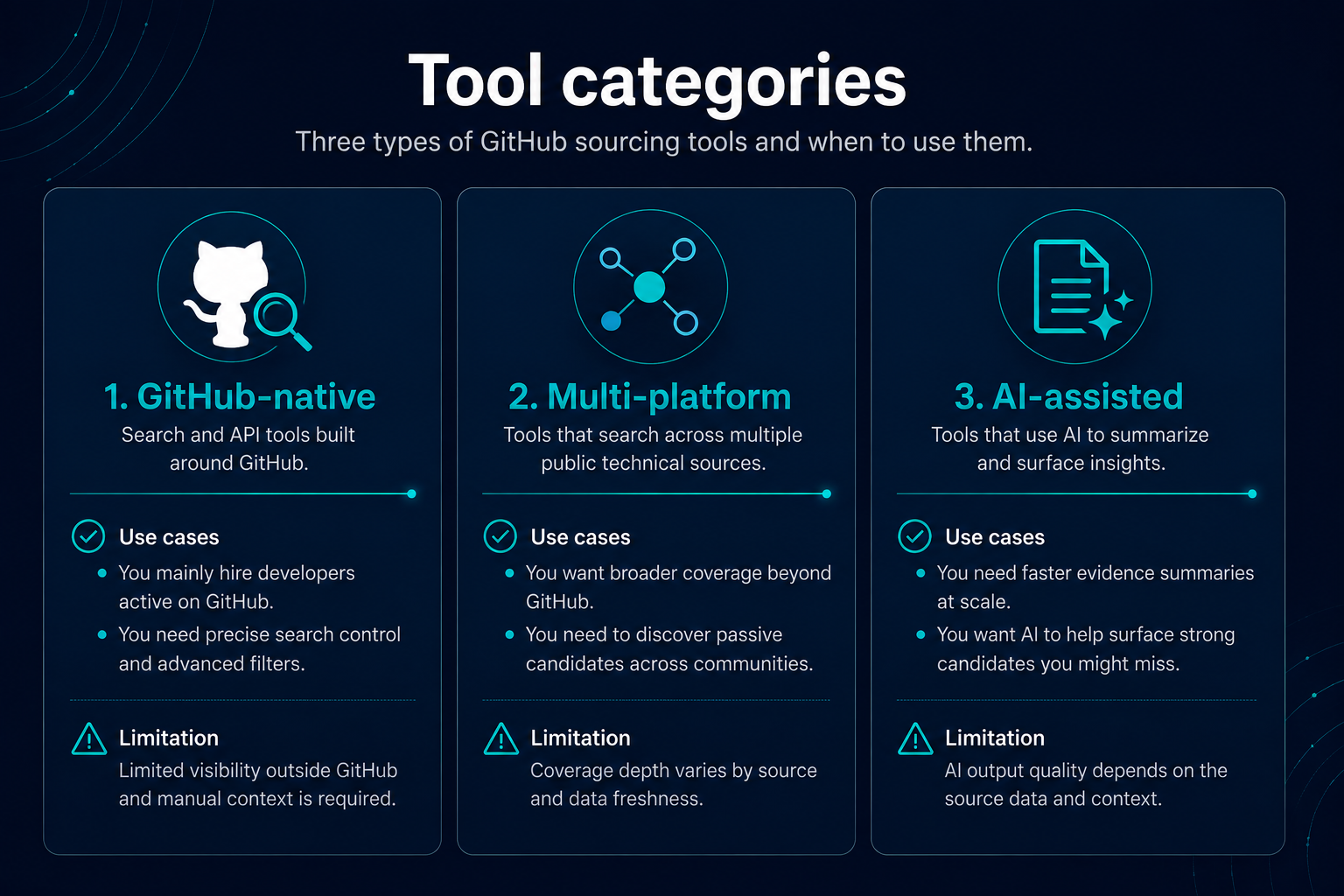
GitHub-native tools
These focus on GitHub search, profile enrichment, or API-based discovery. They tend to work well when GitHub is your primary evidence source and roles are code-heavy. Limits: thin profiles, employer-only activity, and candidates who show strength elsewhere but not on GitHub.
Multi-platform sourcing tools
These combine GitHub with other public technical sources - Stack Overflow, Hacker News, Kaggle, technical blogs, and similar. They reduce false negatives when engineers spread evidence across platforms. Useful when your team already thinks in terms of public technical evidence, not a single platform scorecard.
AI-assisted research tools
These use models to summarize public work, draft outreach, or suggest search strategy. Value depends on whether outputs are evidence-linked and reviewable. Treat AI summaries as drafts for recruiter verification, not hire recommendations. Sonar Air Agents (in beta) follow this pattern for outreach and sourcing strategy drafts on top of role profiles - separate from scans and evidence-backed matching.
Categories overlap. A multi-platform tool may include AI summaries; a GitHub-native tool may add light enrichment. Evaluate on workflow and evidence quality, not marketing labels alone.
How to evaluate evidence quality, review workflow, and pricing
Use the same checklist in every vendor demo or trial. Score honestly against your real roles, not a generic demo dataset.
Evidence quality
- Can you open the underlying public link for each signal?
- Does the tool distinguish recent relevant activity from old or unrelated repos?
- Does it avoid treating stars, followers, or commit counts as standalone hire metrics?
- Can you see enough context to write specific outreach?
Review workflow
- Can sourcers shortlist, reject, and annotate with reasons?
- Can hiring managers see evidence without learning GitHub search syntax?
- Does the product support your compliance steps before contact?
Pricing and scale
- What happens when you add sourcers or increase search volume?
- Are there API or export limits that block your ATS workflow?
- Is there a meaningful trial on your stacks, not only vendor-curated examples?
Run a pilot on one live role before team-wide rollout. Compare tool output against manual search on the same brief using the triage routine in How to Find Developers on GitHub.
Common mistakes when choosing GitHub sourcing tools
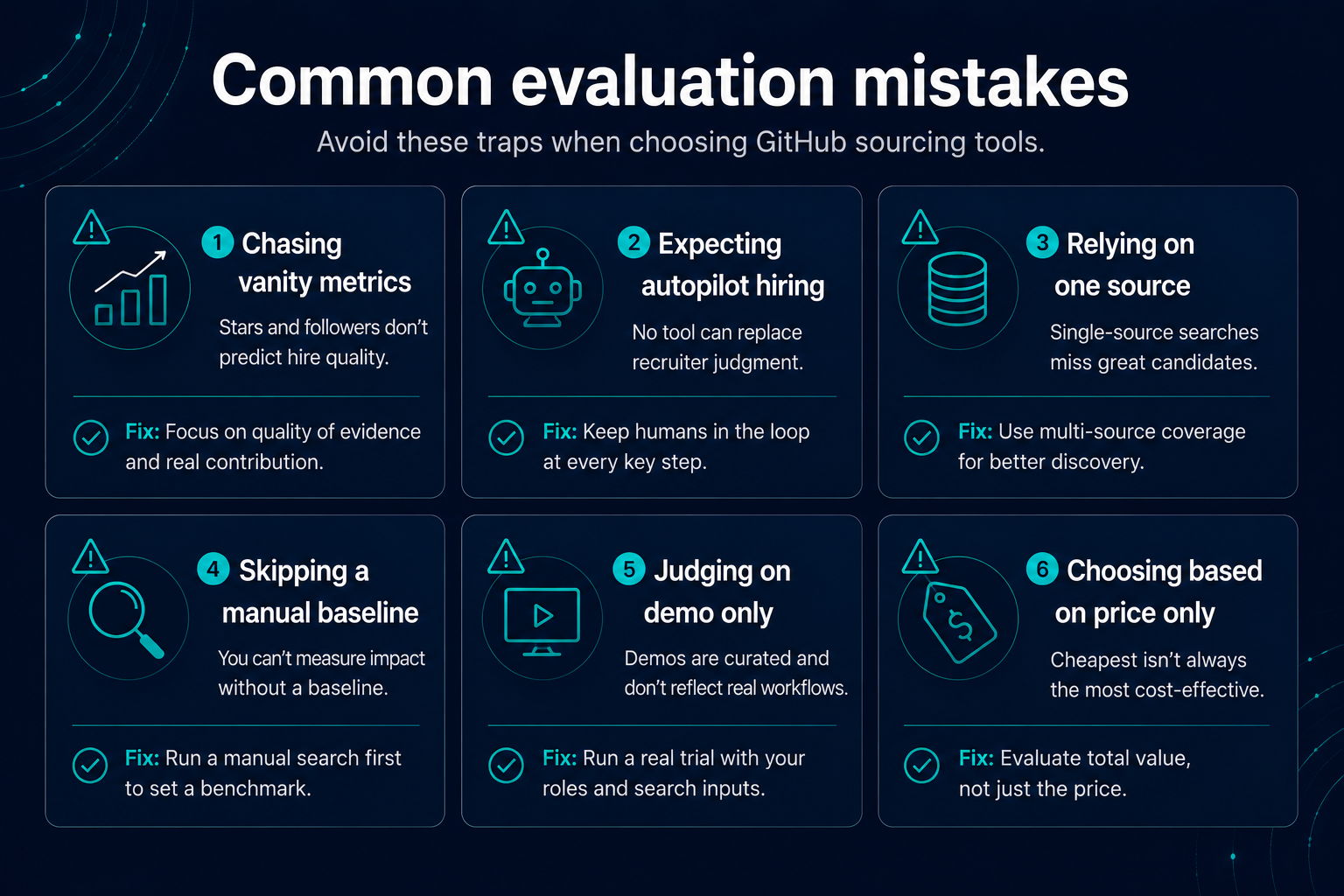
Buying on vanity metrics. Green squares, stars, and follower counts are weak hiring proxies. Tools that rank primarily on these will mislead.
Expecting autopilot hiring. No tool knows whether someone is open to work, fits your team, or wants your stack. Automation should stop at research support, not final decisions.
Ignoring multi-source gaps. GitHub-only tools miss strong engineers who are active on Stack Overflow or quiet on public repos. Match tool scope to where your candidates actually show evidence.
Skipping the manual baseline. If your team cannot explain what good GitHub evidence looks like, a tool will not fix weak judgment. Learn manual triage first, then read Reading a GitHub Profile as a Recruitment Signal for interpretation depth.
Evaluating on vendor demo data only. Test with your niche stack, location constraints, and real must-have technologies.
Confusing contact data with consent. Finding a public profile is not the same as having permission for outreach in every jurisdiction. Align tool use with your legal and privacy policies.
Choosing on price alone. A cheap tool that produces noisy shortlists costs recruiter time downstream.
How Sonar Air approaches GitHub sourcing
Sonar Air is a technical evidence research and candidate discovery platform for recruiters - the technical evidence layer for your recruiting stack. It is built around public technical evidence, including GitHub activity, alongside Stack Overflow, Hacker News, Kaggle, and technical blogs. A Free plan (€0) covers one seat, one role, and one scan per month. Access is currently invite-only while self-serve billing is being tested; request access or book a demo.
Rather than treating GitHub as a replacement CV, Sonar Air helps recruiters define role profiles, run evidence-backed scans, and review matches with links to the public work behind each recommendation. Recruiters stay in the review loop before outreach: you decide who deserves a closer look. Sonar Air is not a GitHub-only tool; it is designed for teams that want multi-source technical discovery with human judgment at the center.
Sonar Air Agents (in beta) draft outreach, screening questions, and sourcing strategy from role profiles - separate from scans and digests. They are built for review, not autopilot.
Learn more in how Sonar Air works, supported data sources, and the GitHub candidate sourcing overview.
Frequently asked questions
Are there free GitHub sourcing tools?
Yes. GitHub's own search is the free default. Google site:github.com and public code search can help you find contributors and code patterns. Platforms help when you need repeatable role-based shortlists across multiple public sources. Sonar Air has a Free plan for one role and one scan per month; access is invite-only while self-serve billing is being tested.
What are the best GitHub candidate sourcing tools for recruiters?
The best fit depends on hiring volume, stack niche, and whether you need GitHub-only discovery or multi-platform public evidence. Evaluate tools on evidence transparency, recruiter review workflow, source breadth, and honest limits - not on generic popularity lists.
Are GitHub sourcing tools worth it?
They are often worth it when your team runs many technical searches, needs repeatable role-based discovery, or spends too much time on manual profile review. For a single urgent hire with a known target repo, manual GitHub search may be enough.
What is the difference between GitHub search and a GitHub sourcing platform?
GitHub search is free and direct but manual, capped at 1,000 results per query, and limited to GitHub data. Sourcing platforms add repeatable workflows, enrichment, multi-source evidence, and team review features - with varying quality and pricing.
Can AI tools source candidates from GitHub automatically?
AI can summarize public work and suggest search strategy, but recruiters should verify evidence before outreach. Treat AI output as research assistance, not automated hiring decisions.
Do GitHub sourcing tools replace LinkedIn Recruiter?
No. GitHub tools surface public technical work; LinkedIn surfaces professional history and career context. Most teams use both, plus other public sources where relevant.
What should I ask in a GitHub sourcing tool demo?
Ask to see underlying evidence links, how the tool handles quiet profiles, multi-source coverage, export to your workflow, pricing at your volume, and what the product explicitly cannot do.
Is manual GitHub sourcing still relevant in 2026?
Yes. Manual search remains valuable for niche repos, contributor lists, and deep context review. Tools reduce repetition; they do not remove the need for recruiter judgment.
How does Sonar Air compare to other GitHub sourcing tools?
Sonar Air focuses on evidence-backed multi-platform discovery with recruiter review before outreach. It combines GitHub with other public technical sources rather than ranking candidates on a single platform metric. A Free plan (€0) covers one role and one scan per month; access is invite-only while self-serve billing is being tested. Compare fit through a demo on your own roles rather than feature checklists alone.
Final takeaway
The best GitHub candidate sourcing tool for your team is the one that surfaces verifiable public evidence, fits your review workflow, and scales with your hiring volume without pretending GitHub tells the whole story.
Start with clear evaluation criteria, run a pilot on a live role, and keep manual GitHub search skills in the team. For search syntax and profile triage, use How to Find Developers on GitHub: A Recruiter's Guide. For what GitHub evidence means - and its limits - read GitHub Candidate Sourcing: How Recruiters Can Find Technical Talent.
Sonar Air team
Writes about evidence-based technical recruiting and multi-platform developer sourcing at Sonar Air.
About Sonar AirNext in the series
Reading a GitHub Profile as a Recruitment Signal →Back to blog