Product
Introducing Agents - a workspace for the work around sourcing

Sourcing a role does not end when a shortlist lands in a role profile. Someone still has to decide where to look next, write the outreach, tighten the job description, and prepare screening questions - all grounded in the same evidence that produced the shortlist. That work has been manual until now.
We are introducing Agents: a new area of the workspace where you run focused, evidence-aware assistants on top of your role profiles and candidates. They live alongside Role Profiles and All Candidates, under their own Agents section in the sidebar.
Why agents, and why now
Sonar Air already turns public work into profile-matched shortlists. Agents pick up from there. A role profile carries a description, a role rubric, and a pool of evaluated candidates - that context is exactly what a recruiter needs to write outreach, brief a hiring manager, or refine a job description. Instead of retyping that context into a chat tool by hand, an agent reads it directly from the role profile you already built.
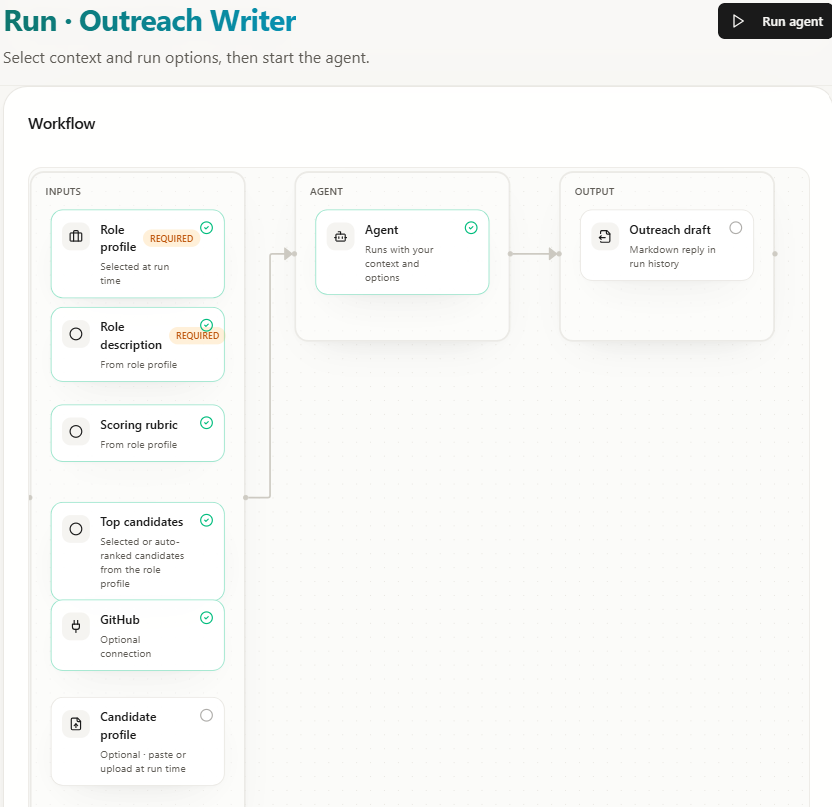
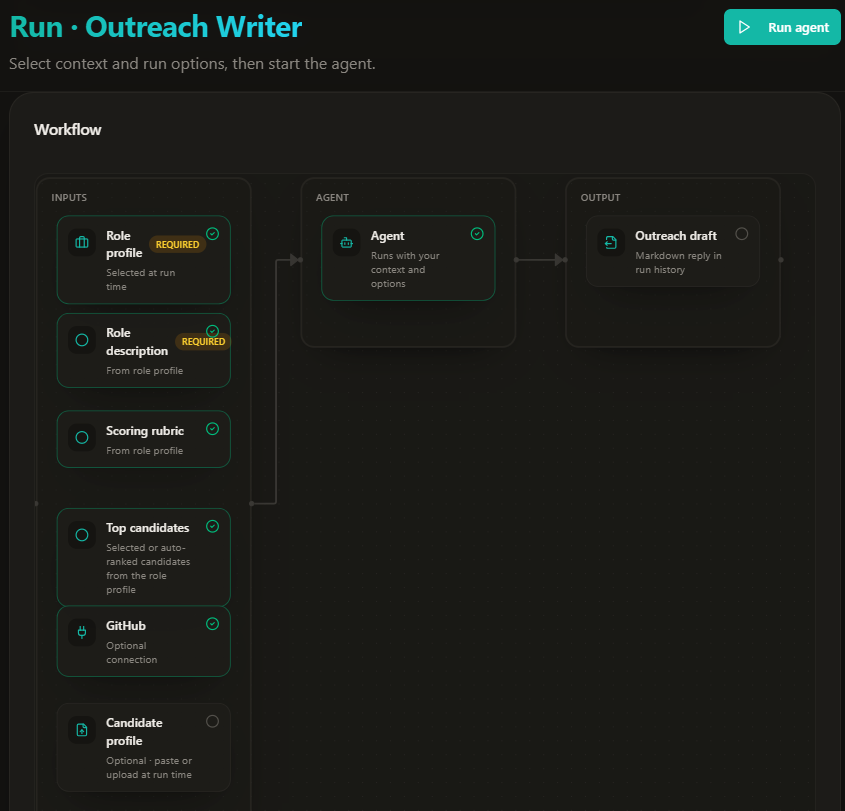
Each agent is narrow on purpose. There is no general-purpose chatbot here - every agent has a defined input (a role profile, a query, a document), a defined output (a draft, a shortlist, a set of questions), and a visible diagram showing how one turns into the other before you run it.
Agents aren't scans or digests
It's worth being precise about what changed and what didn't. Scans remain the way Sonar Air discovers candidates across GitHub, Stack Overflow, Hacker News, Kaggle, and technical blogs. Digests remain the structured, exportable candidate lists per role. Neither of those moved.
Agents are a third, separate thing: conversational and generative tasks that use a role profile's context but don't discover or score candidates themselves. Screening prep and outreach drafting overlap in spirit with digests - the difference is UX and output, not underlying data. You'll still review and approve everything an agent produces before it goes anywhere near a candidate.
Four agents to start with
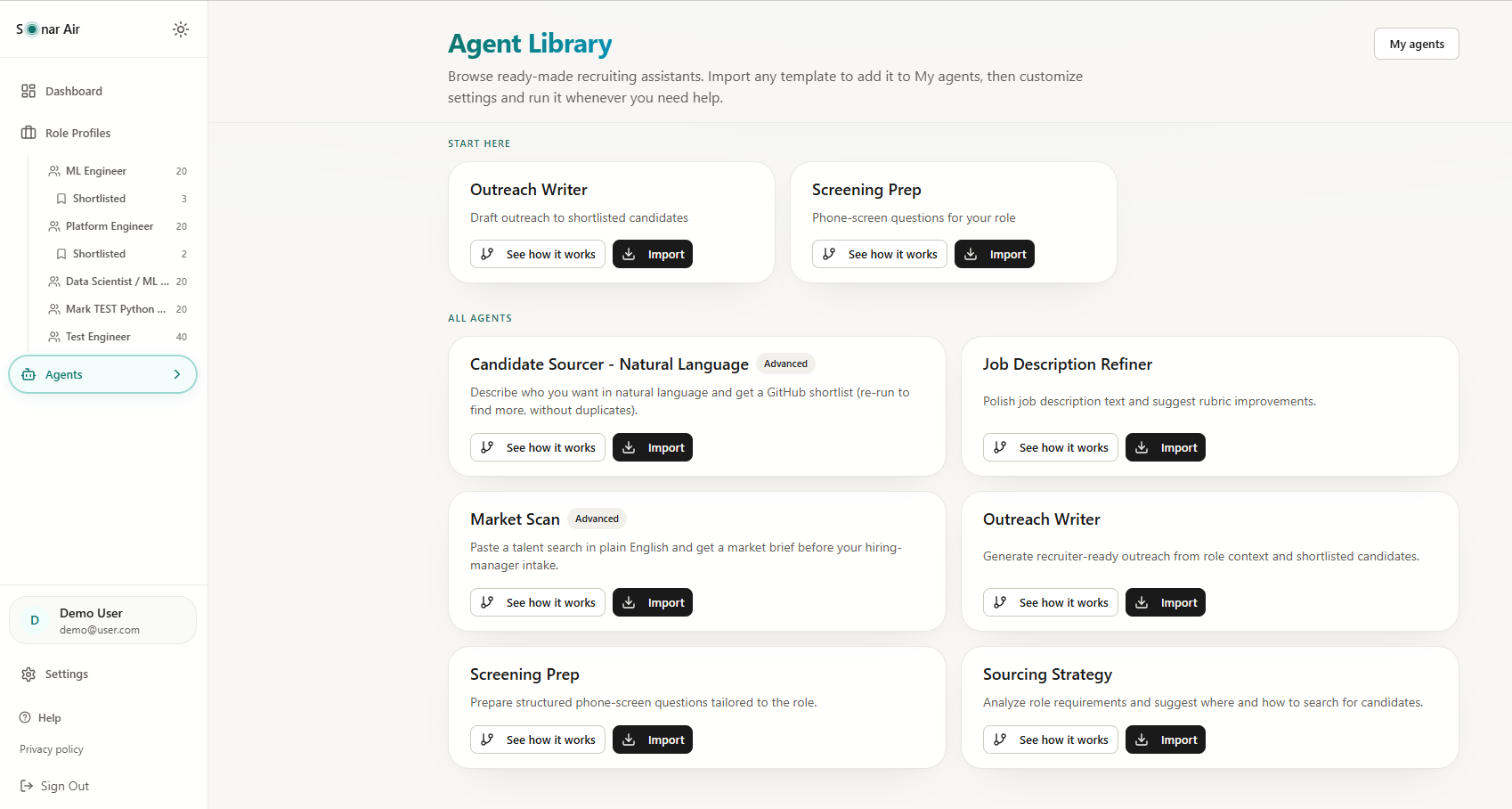
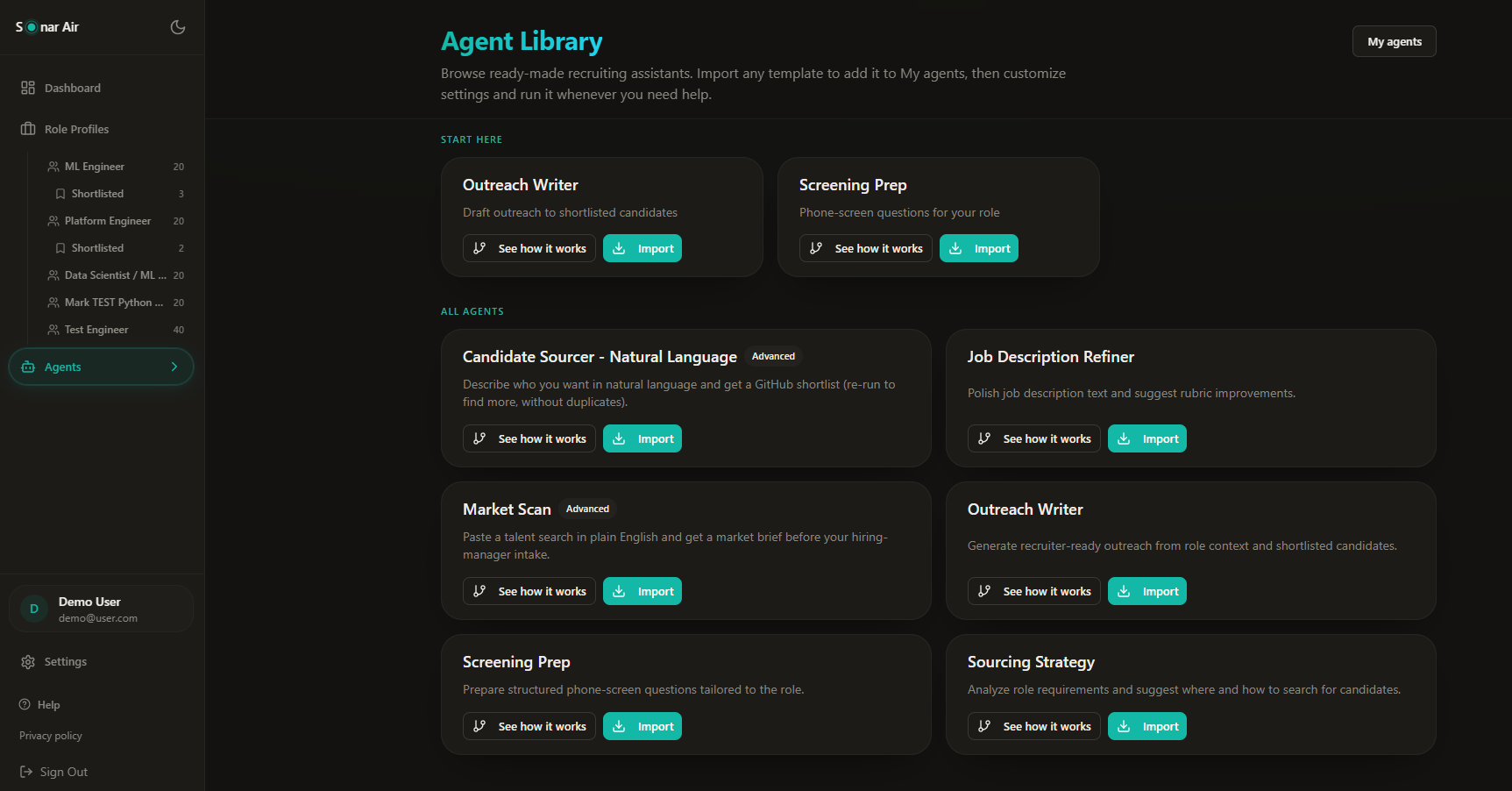
Open Agents > Browse library to import any of these into your workspace. All four read from a role profile you select at run time:
- Sourcing Strategy - recommends platforms, keywords, and GitHub search angles based on the role description and rubric, before you run another scan.
- Outreach Writer - drafts personalized outreach using the role and your top-evaluated candidates, so the first message references real signal instead of a template.
- Job Description Refiner - tightens the role description and suggests rubric adjustments where the language is vague or the criteria don't match what you're actually screening for.
- Screening Prep - generates interview questions from the role rubric and a summary of the candidate pool, tuned to the interview stage you pick.
Import once, then rename it and tune its saved settings - tone for outreach, depth for screening prep - from the agent's own settings page. Settings persist across runs; you don't re-enter them each time.
Two agents that work before you have a role profile
Not every question starts with an open role. Two agents work from a plain-English query instead:
- Market Scan - describe the talent you're exploring and get a pool estimate, a signal distribution, and sample profiles. Built for the conversation before a role profile exists yet - sizing a market for a hiring manager, or checking whether a niche stack has enough public supply to source against.
- Candidate Sourcer (Natural Language) - paste who you want to find in plain English and get a GitHub shortlist with rationale for review, no role profile required. Use Find more candidates in the same conversation to keep going; handles you've already seen are excluded automatically.
Both draw on their own monthly agent-run allowance, separate from your scan quota - exploring a market doesn't cost you a scan.
Inside a run
Every agent follows the same shape. A setup screen shows the flow diagram - what the agent reads, what it produces - plus the role profile picker and any run-specific options. Once you hit Run agent, the screen switches to a conversation view: the agent's response streams in, and for text agents, you can keep talking - ask for a different tone, a shorter version, or a follow-up angle - without starting over.
Every conversation is saved. Recent conversations on the Agents page lists your threads, an unseen marker flags anything that finished while you were elsewhere, and you can export a full thread as Markdown or a Word document straight from the header.
Built for review, not autopilot
Agents draft; they don't send. Outreach Writer produces a message for you to read and edit - nothing goes to a candidate automatically. Sourcing outputs land in your workspace for review, the same evidence-first standard as every shortlist Sonar Air produces. The goal is to compress the time between "I have a role profile" and "I have a defensible first draft," not to remove the recruiter from the decision.
Where this stands today
Agents are in internal testing and will open to a small beta group of agencies soon. If you're already on Sonar Air and want early access, reach out to your account contact. We're rolling out in small batches so we can tune limits and quality against real role profiles before opening more broadly.
Sonar Air team
Writes about evidence-based technical recruiting and multi-platform developer sourcing at Sonar Air.
About Sonar AirMore from the blog
More articles on technical hiring are coming soon.
Back to blog